Email Overload Training: Take Back Your Inbox
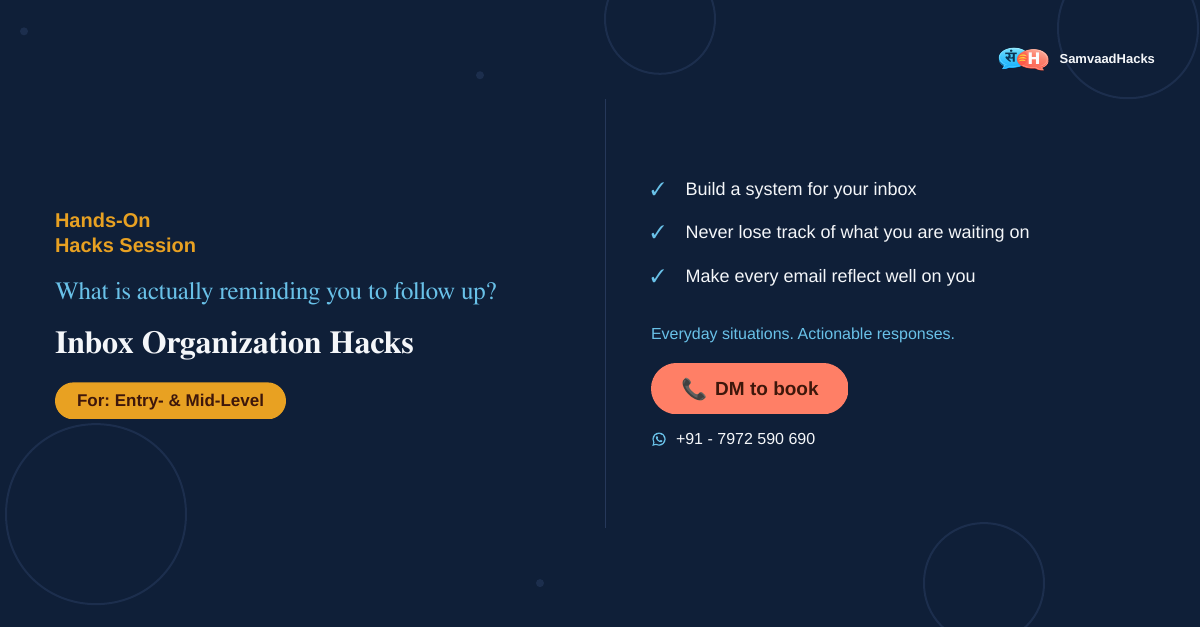
Inbox Organization Hacks: Control the Inbox. Don’t Let It Control You.
An overflowing inbox is not a sign that you are busy, it is a sign that nobody ever set up the system properly. Missed follow-ups, lost drafts, no real place for anything. This situation-based session turns your inbox from something that happens to you into something you run.
A few honest questions first.
Do you check your inbox on your own schedule, or does it check in on you all day?
When you send something important and do not hear back, what actually reminds you to follow up?
How much of your inbox setup are you still doing manually, that Outlook could just handle for you?
If any of those hit close, this session is built for exactly that.
Four shifts, twelve habits, one inbox you actually control.
A deliberate relationship with your inbox
Checking email on your own terms, and giving everything in it a clear, simple place to live.
Never losing track of what you are waiting on
Letting Outlook remind you to follow up, instead of trying to hold every open loop in your head.
Defaults that work quietly in the background
Configuring Outlook once, so it keeps working for you without needing your attention every day.
Making sure every email reflects well on you
Small, consistent defaults, your signature, your formatting, your invites, that quietly build your reputation.
None of this is about working harder inside your inbox. It is about building a system so you barely have to think about it.
Entry- and Mid-Level professionals whose inbox runs their day.
If you have ever lost a draft, missed a follow-up, or spent your morning just clearing notifications instead of doing real work, this session is for you. It is built for anyone whose inbox has started to feel like something that happens to them.
Format and logistics.
Customized per engagement. Contact us for a quote.
The full session outline is shared in the free 20-minute conversation.
Getting your inbox under control: straight answers.
How do you organize your Outlook inbox?
Most inbox clutter is not a discipline problem, it is a setup problem, checking at random times, no clear place for things once they are done, and no system for what you are still waiting on. Direction: decide when you check email, give every message a home, and let Outlook do the remembering instead of you.
Is inbox zero realistic, and how do you get close to it?
Chasing a permanently empty inbox usually backfires, since new email never stops arriving. Direction: aim for a clear system instead of a clear inbox, one where everything either has a place or a plan, and zero stops being the point.
Does this only work for Outlook, or other email tools too?
The session is built around Outlook specifically, since that is what most workplaces already use, but the underlying habits, set check times, a place for everything, a system for follow-ups, carry over to any email tool.
Can Inbox Organization Hacks be customized for our team, and what does it cost?
Yes. Every engagement is customized to your team’s level, language and schedule, so pricing is per engagement. Contact us for a quote. The first conversation is free and takes about 20 minutes.
“Think of something important you are still waiting to hear back on. What is actually reminding you to follow up?”
If you are not sure, that is what this session is for.